
The journal
SureFlap red light flashing: what it means and what to do
A flashing red LED on many SureFlap microchip cat flaps usually signals low batteries. Here’s how to fix it quickly and keep introductions to an automatic flap on track.
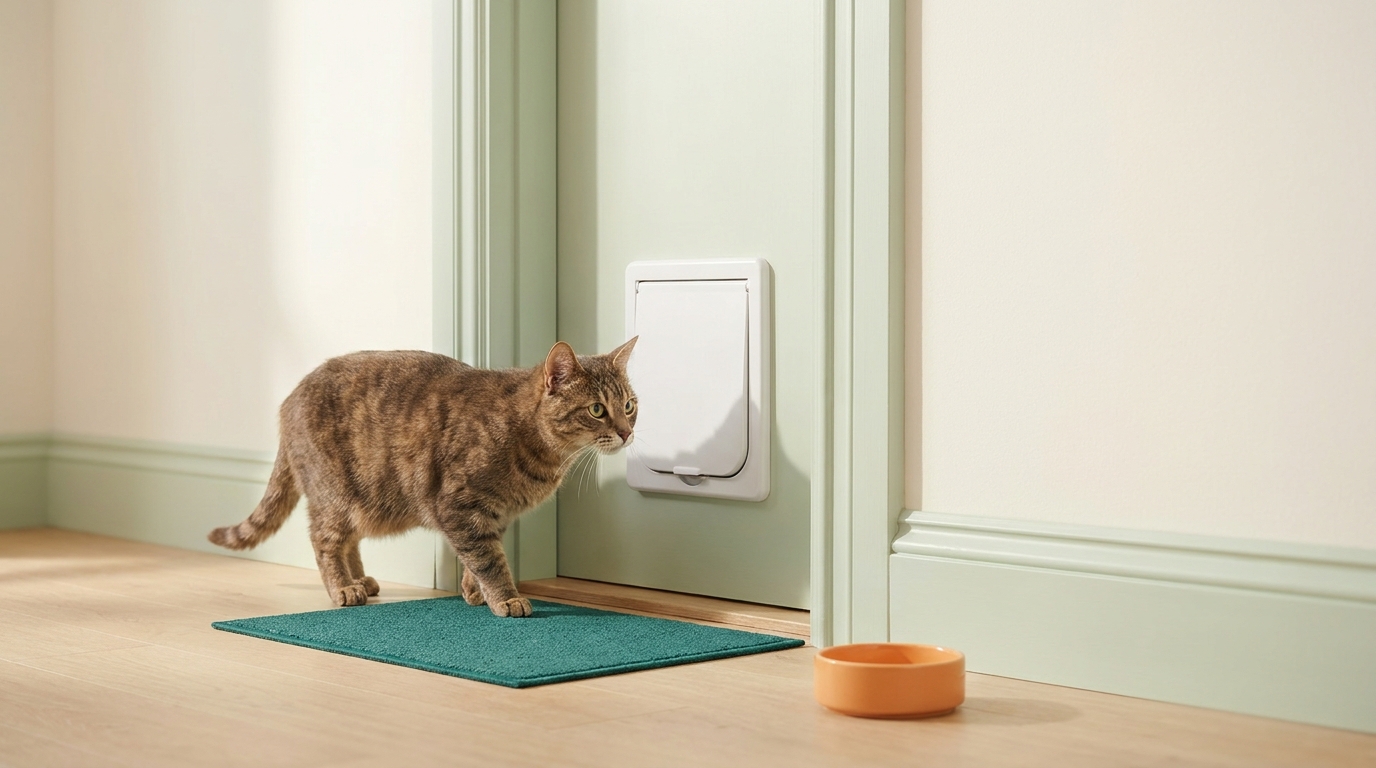
Short answer: on the SureFlap Microchip Cat Door, a red LED flashing every five seconds means the batteries need replacing. Sure Petcare states this in its maintenance guidance for the microchip cat door Sure Petcare videos: How to tell if the batteries need replacing.
First, confirm what you’re looking at
Check the light is on the flap itself and note your exact model name. LED patterns can vary between products and generations, so your model’s manual is the final word on what a light means.
Quick fix: replace the batteries correctly
Because a steady red flash every five seconds indicates low power on the Microchip Cat Door, the fastest fix is a careful battery swap Sure Petcare videos: How to tell if the batteries need replacing.
- Open the battery compartment and remove all cells.
- Check that the contacts and compartment look normal. If there is leakage, corrosion or damage, stop and follow manufacturer support instructions.
- Install fresh batteries of the exact type specified in your model’s manual. Do not mix old and new cells.
- Refit the cover and perform the normal function test described in the manual. Do not force a cat through to test the door.
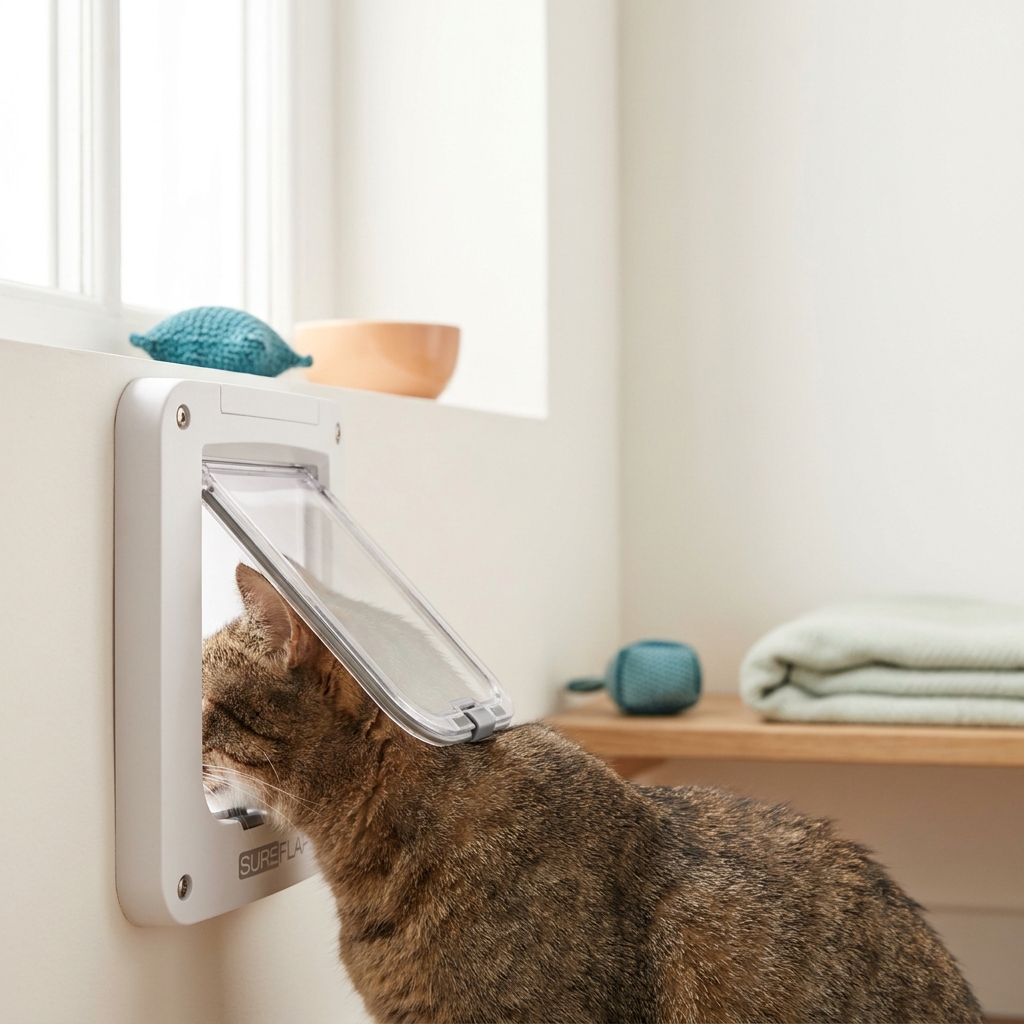
If the light keeps flashing after new batteries
Work through these checks:
- Re-seat the batteries so each cell is fully flat and the polarity matches the compartment markings.
- Follow the exact model’s troubleshooting instructions. Do not guess a timed reset or erase stored pets merely because a light is flashing.
- Check your manual’s LED section for your model’s specific flash pattern meanings. Address the listed cause before trying again.
If the red flash persists after the correct batteries and a power-cycle, contact the manufacturer with your model and serial number for guided troubleshooting.
Record the symptom before contacting support
A useful support description is specific: identify the product and generation, whether the light is on the flap or a separate hub, the colour and approximate interval, and whether the latch still operates. Record the battery type and whether the symptom continued after a complete correct replacement.
This separates the documented five-second low-battery indication from a different pattern that needs the model’s own explanation. A short video of the indicator may be easier to describe than “it flashes sometimes”. Keep your cat’s access supervised while checking operation and avoid making several unrelated settings changes at once.
If your cat hesitates after a flap problem, use the separate guide to introducing a cat flap gradually. Behaviour training is a different task from fixing a battery indication; check the device first rather than repeatedly encouraging an animal toward a malfunctioning door.
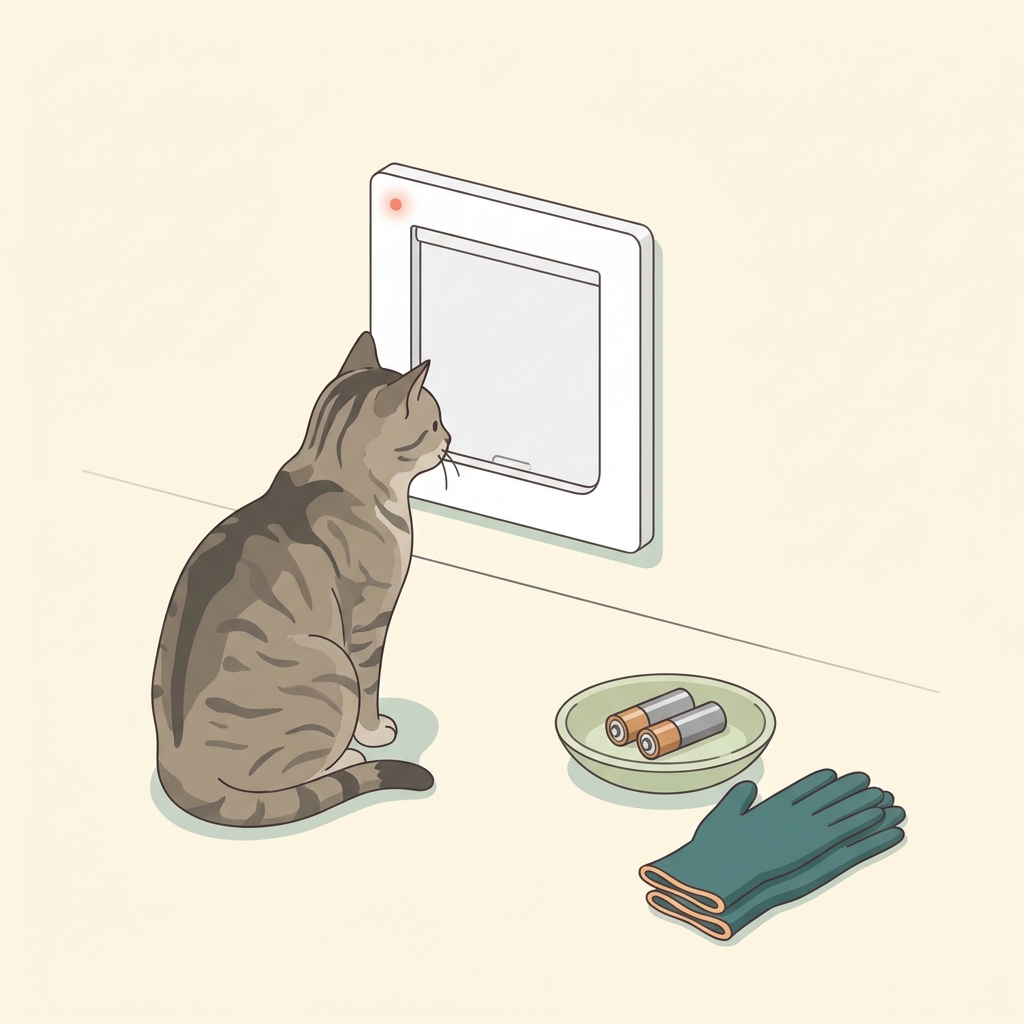
An illustrative low-battery case
You notice the SureFlap’s LED gives a single red flash about every five seconds and your cat hesitates at the door. You remove all batteries, install fresh ones of the correct type, and test. The flashing stops and the latch clicks open when your cat approaches. Let your cat approach voluntarily once normal device operation is confirmed. This sequence matches the manufacturer’s indication that a five-second red flash means it’s time to replace batteries on the Microchip Cat Door Sure Petcare videos: How to tell if the batteries need replacing.
Fix a flashing-red SureFlap light today
FAQ
What does a red flash every five seconds mean on the SureFlap Microchip Cat Door?
It indicates the batteries need replacing, per the manufacturer’s maintenance guidance Sure Petcare videos: How to tell if the batteries need replacing.
What if my model’s LED is flashing in a different pattern?
Check your specific model manual. LED codes differ by product, so follow the pattern meanings listed for your unit.